


The family calendar for your fridge
Famiora™ Smart Fridge Calendar
Famiora™ Smart Fridge Calendar
Calendar, dinners, shopping list and chores – on one screen the whole family can see.
✓ Magnetic and cordless – on the fridge in seconds, no cables
✓ The whole family in one calendar – syncs with Google, Apple and Outlook
✓ Dinners, shopping list and chores – in one place, on your phone too
✓ No monthly fees – every feature is free to use
Couldn't load pickup availability
How it works
1. Put it on the fridge. The magnet on the back holds the screen on the fridge door – no drilling, no cables.
2. Connect to Wi-Fi and add the calendars you already use (Google, Apple or Outlook).
3. Download the free app so everyone in the family can add appointments, dinners and groceries – even when you are not at home.
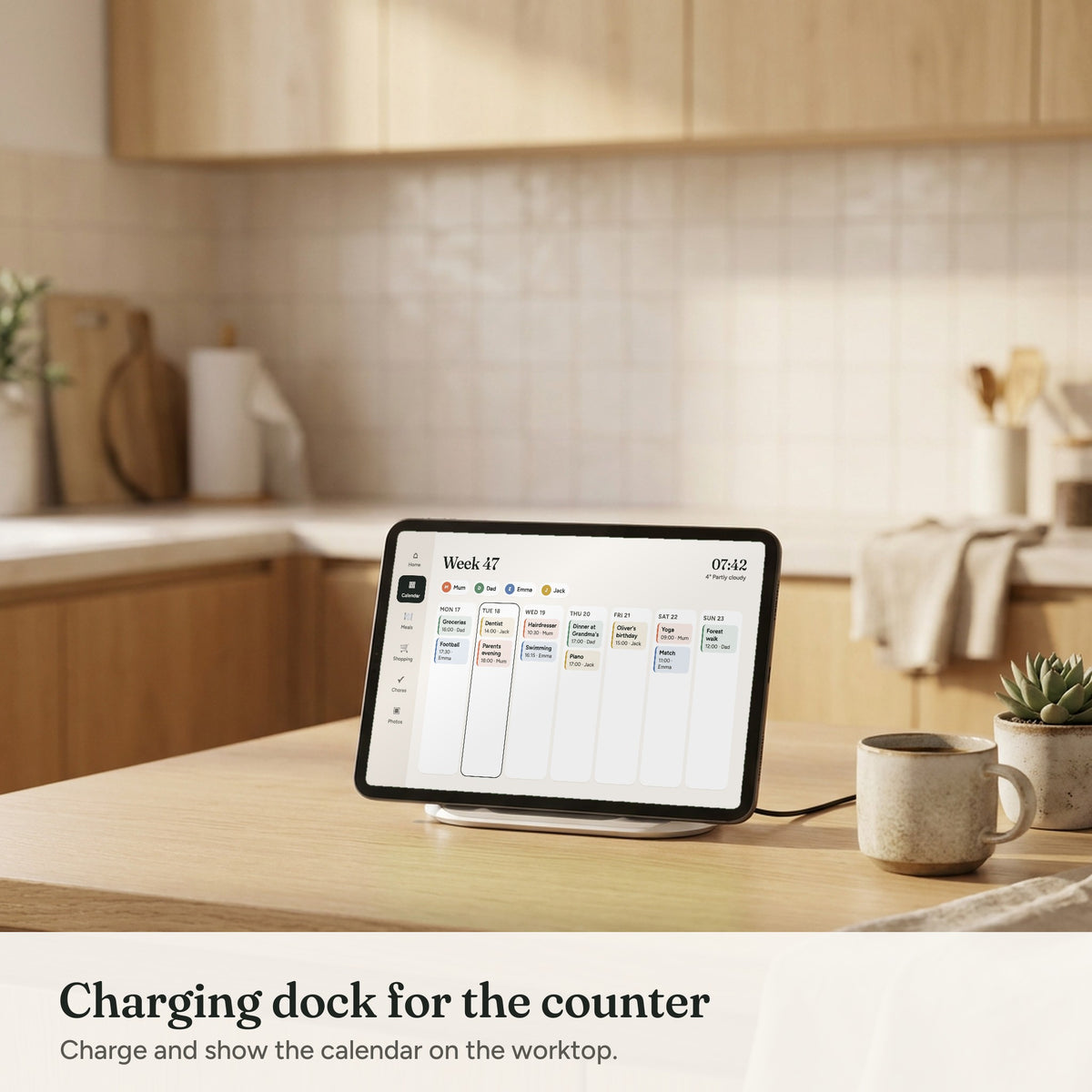
Charge it with USB-C when needed, or place it in the charging dock on the counter.
App and subscription
The free app for iPhone and Android is available in English, Norwegian, Danish and Finnish.
No subscription and no monthly fees – every feature is included when you buy Famiora.
Shipping and returns
We ship within 1–3 business days, and delivery normally takes 5–8 business days with tracking. Shipping is free.
100-day returns: try Famiora at home with the whole family. If you are not happy, return it for a full refund.
2-year warranty on the screen.

Famiora™ Smart Fridge Calendar



Sound familiar?
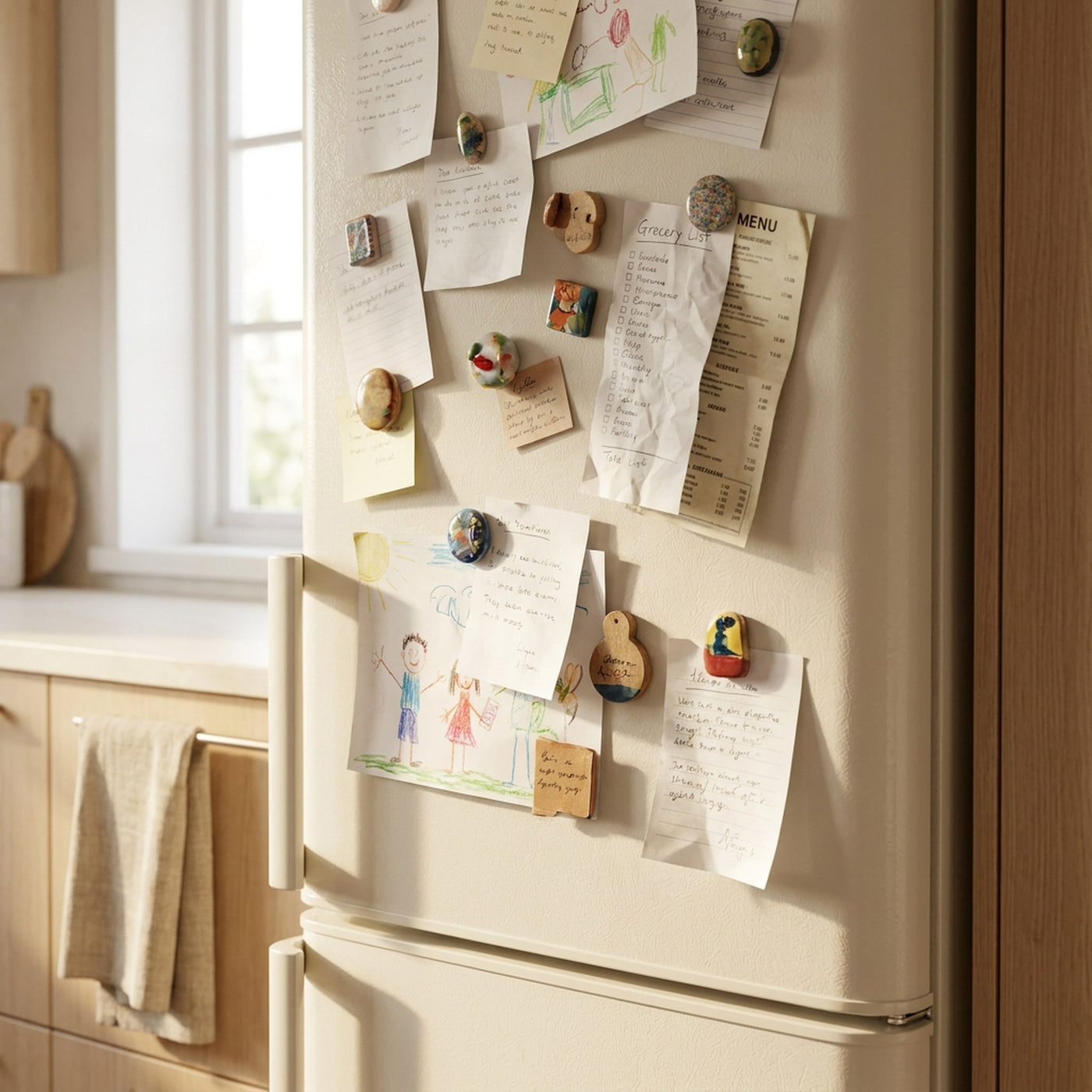
Notes everywhere – and nobody knows what is happening today
Football practice, the dentist, birthdays and "what's for dinner?". When the plans live on paper notes, in one person's head and in five different phones, something always slips.
Famiora
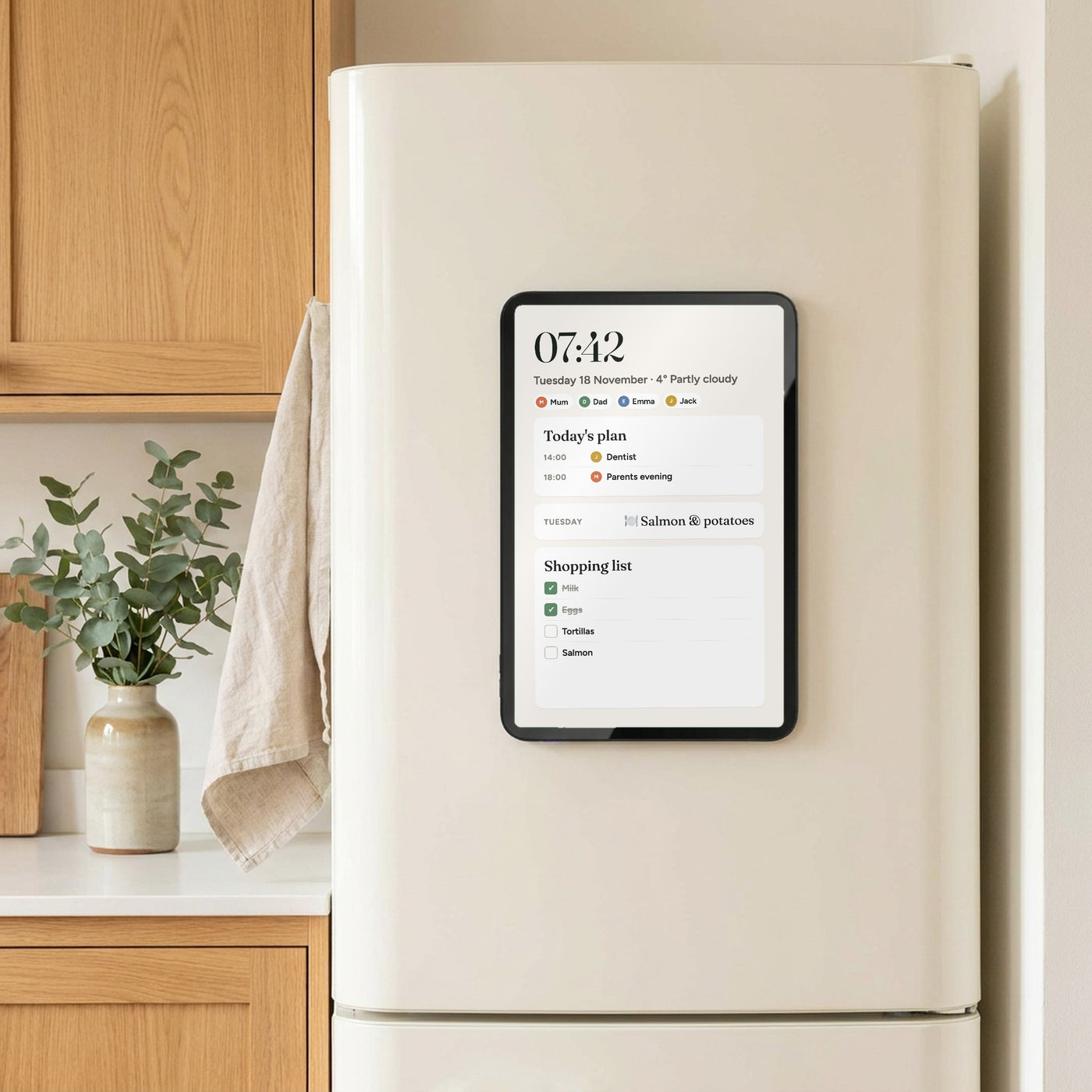
One screen on the fridge – the whole family up to date
Famiora brings your calendars together in one place, with a colour for each family member. Appointments added on a phone appear on the fridge straight away, so everyone can see what is happening – without asking.
Everything your family needs – in one place
Calendar
One colour per family member
Meal plan
Plan the week in minutes
Shopping list
Synced to your phone
Chores
Kids tick them off
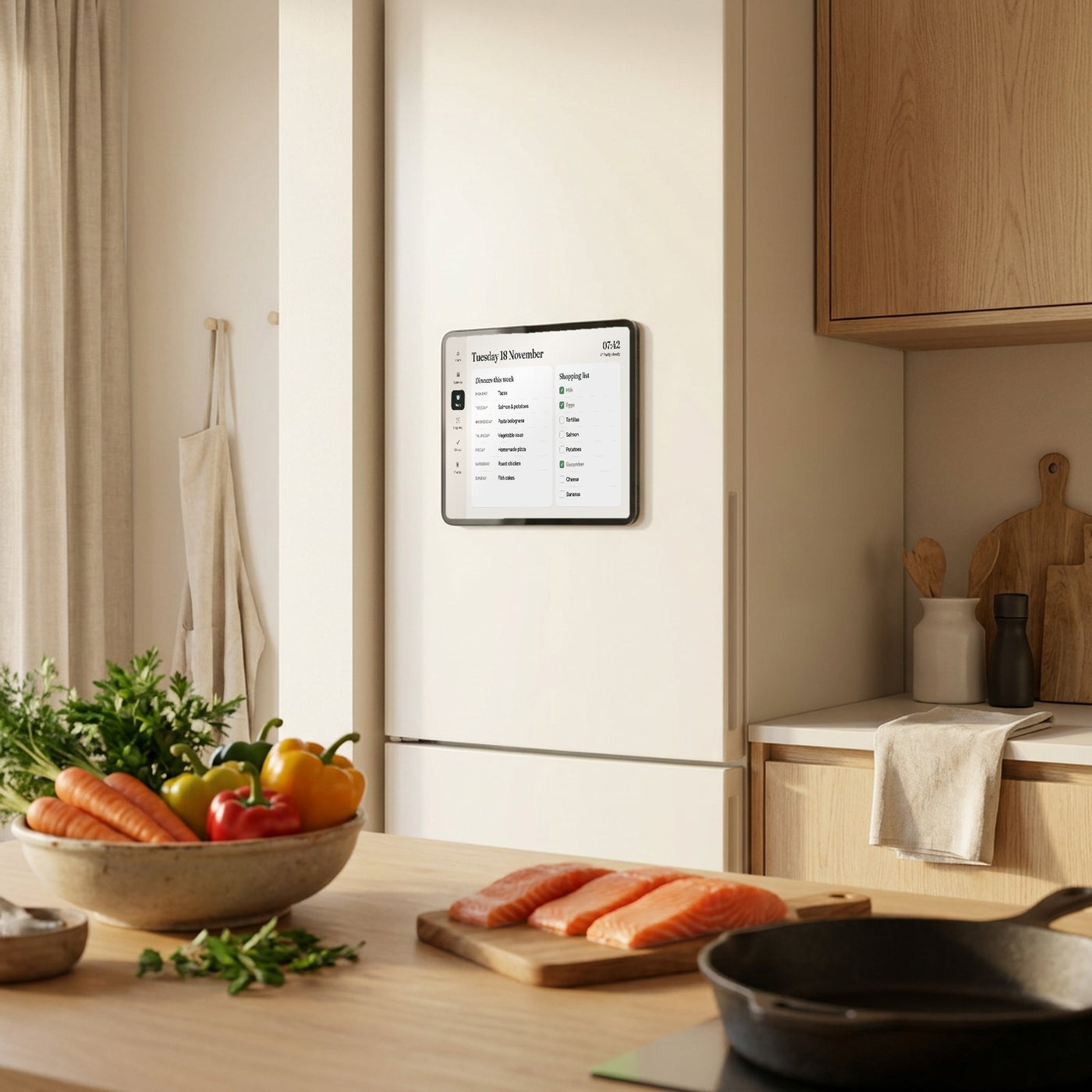
Meal plan & shopping list
"What's for dinner?" – answered
Plan the week's dinners and add whatever is missing straight to the shopping list. The list syncs with the app, so whoever is in the shop sees exactly what to buy.
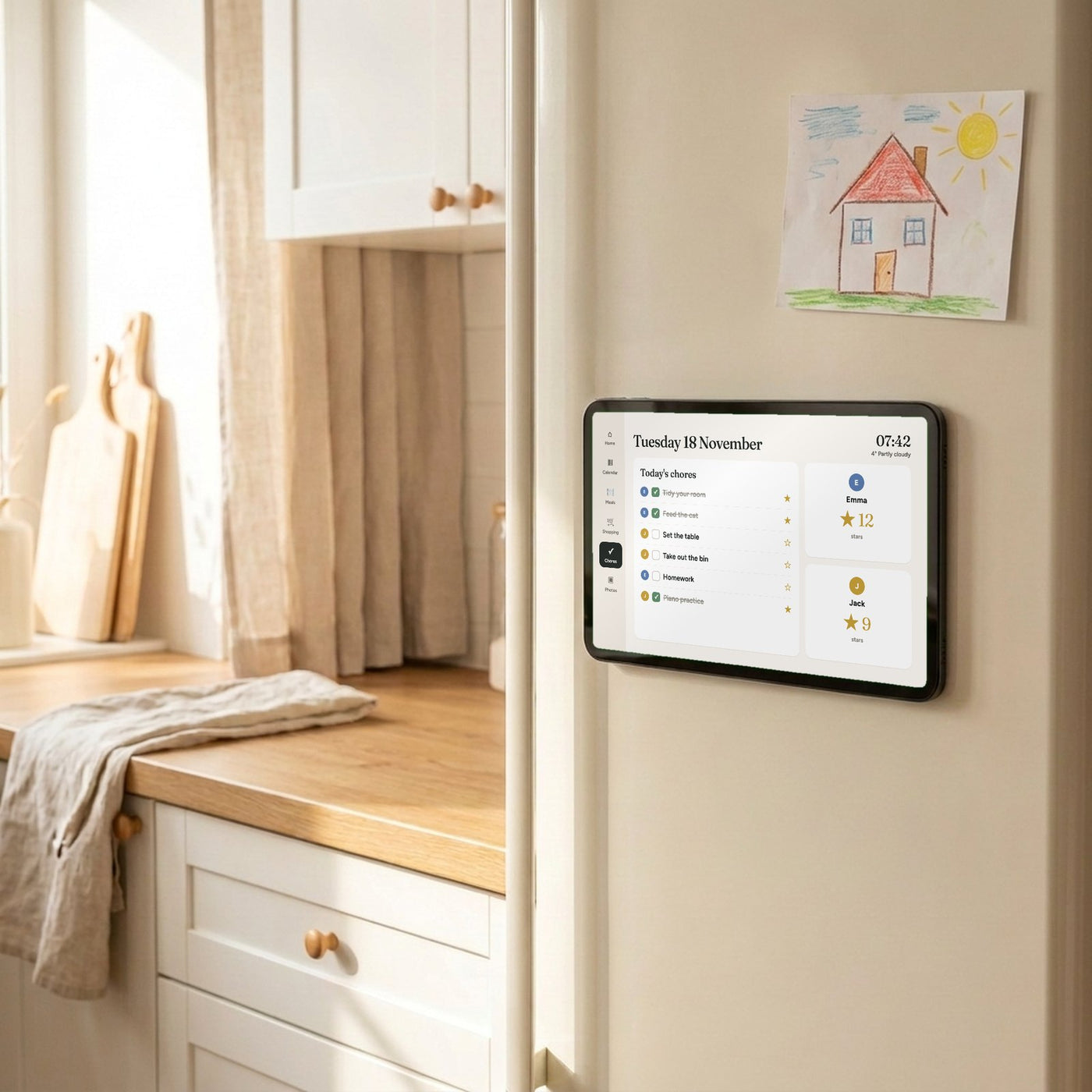
Chores & rewards
The kids know what to do – without nagging
Give everyone in the family their own chores. The kids tick them off on the screen and collect stars, and you no longer have to remind them of the same things every day.
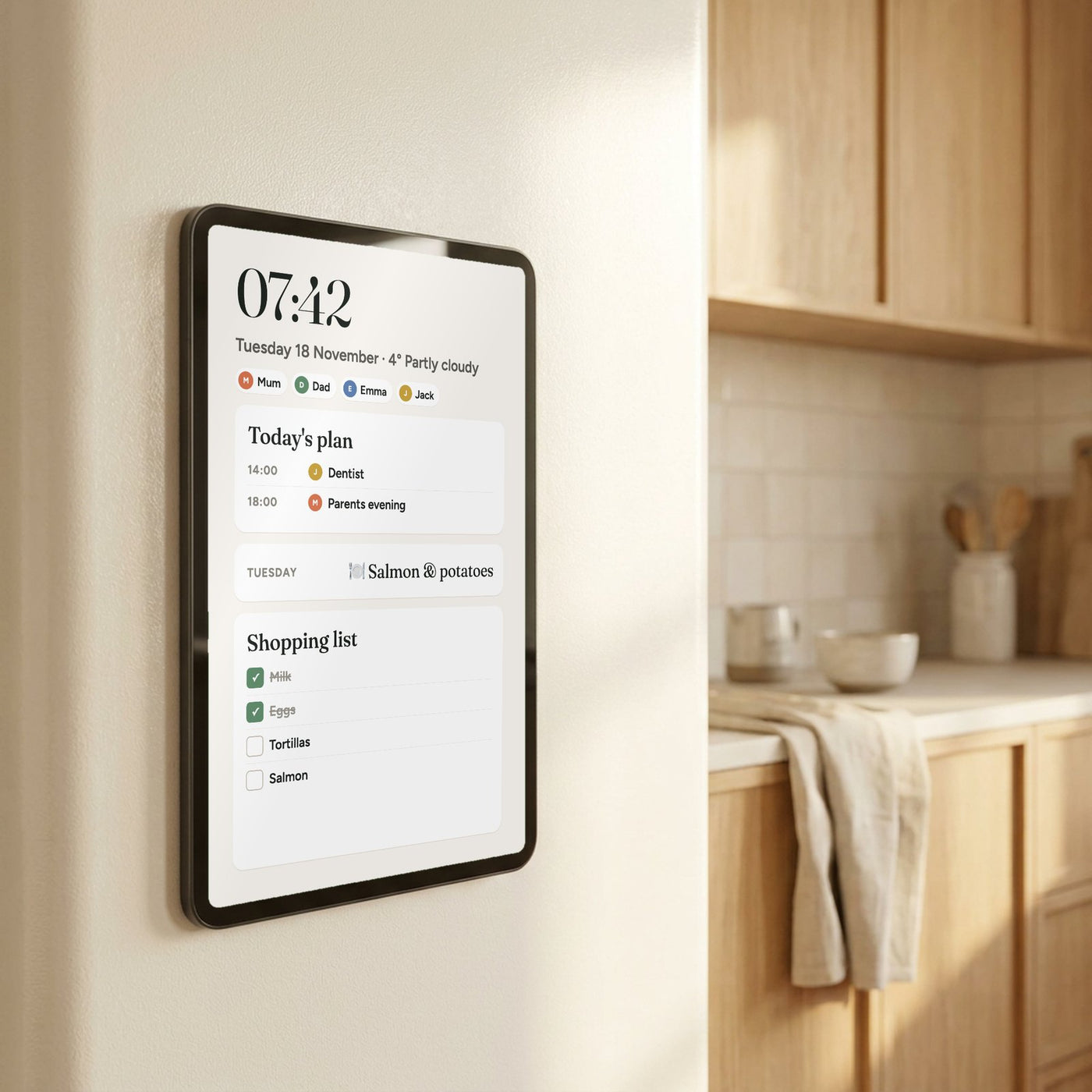
Magnetic & cordless
On the fridge in seconds
No drilling and no cables along the worktop. Famiora attaches with the magnet on the back and sits securely on the fridge door. Charge it with USB-C when needed – or stand it in the charging dock on the counter.
Famiora vs. calendars with a subscription
| Famiora | With subscription | |
|---|---|---|
| No monthly fees | ||
| Magnetic and cordless | ||
| Meal plan included | ||
| Syncs Google, Apple and Outlook |

Risk-free
Try Famiora for 100 days
Use it at home with the whole family. If you are not happy, return it within 100 days and get your money back. You also get a 2-year warranty and can pay safely with Klarna.
Frequently asked questions
Are there any monthly fees?
No. Every feature is free to use – no subscription and no monthly fees.
How does it attach to the fridge?
The magnet on the back holds the screen on most fridges with a metal door. If your door is not magnetic (for example glass or an integrated fridge), the screen can stand in the charging dock on the counter instead.
Do I need Wi-Fi?
Yes. The screen connects to your home Wi-Fi to sync the calendar, meal plan and shopping list with the app.
Which calendars can I sync?
Google Calendar, Apple (iCloud) and Outlook. Appointments you add on your phone appear on the screen.
How is it charged?
With USB-C. Between charges it hangs on the fridge without any cable. In the charging dock it charges while standing on the counter.
Is the app available in my language?
Yes. The free app for iPhone and Android is available in English, Norwegian, Danish and Finnish, and the whole family can use it.
When will my order arrive?
We ship within 1–3 business days, and delivery normally takes 5–8 business days. You receive a tracking number by email.
Can I return it?
Yes. You have 100 days to return it. Contact us and we will help you with the return. You also get a 2-year warranty.